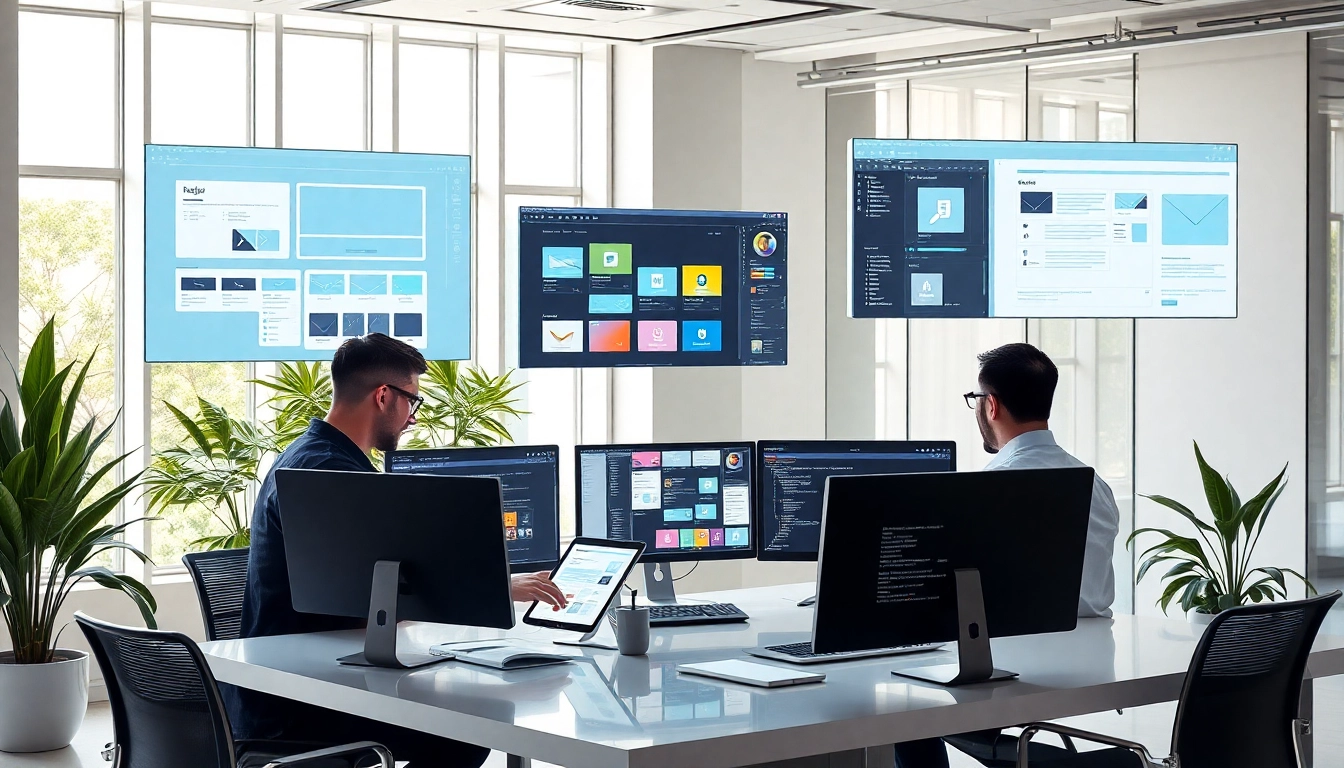
design projects for web development-title

10 Smart Design Projects for Web Development

Elevate your site performance and user experience with strategic design projects for web development. Discover tools and tips that simplify execution and drive results.

Imagine launching your website after months of development, only to realize it doesn’t engage users or convert traffic. You followed all the coding standards, but something’s off—design. In today’s digital marketplace, design can make or break your online presence. But what does ‘smart design’ really mean for web development? And how can solopreneurs, startups, and agencies integrate smarter design choices without a full in-house team? In this post, you’ll uncover 10 smart design projects for web development that not only look great but work harder for your business—functionally, collaboratively, and at scale.

Why Smart Design Matters in Web Development

Many business owners and developers think design is just “how something looks.” But in reality, design is also how something works. Especially in web development, smart design goes beyond aesthetics—it’s about creating user experiences that are intuitive, fast, and conversion-optimized.

The Empathy Behind Smart Web Design

Put yourself in your user’s shoes. When they land on your website, are they confused, overwhelmed, or underwhelmed? Smart design anticipates these emotional and cognitive reactions. From typography to navigation to accessibility, every decision a user faces should be logical and frictionless.

Problem: Misalignment Between Design and Development

One of the most common struggles is the disconnect between developers and designers. A beautiful mockup may not be feasible to code effectively—or worse, responsive issues creep up post-launch. This misalignment leads to delays, bloated budgets, and subpar user experiences.

Solution: Integrate Design from the Start

To avoid disjointed outcomes, integrate design thinking into every phase of web development. Prioritize user journeys in wireframes, collaborate continuously between design and development teams (or tools), and test visually before writing complex code. Smart design projects for web development succeed because they think holistically.

  • Wireframing tools: Use Figma or Sketch to create early concepts that align user interface with backend logic.
  • Responsive-first mindset: Design mobile-first to ensure scalability and broader user appeal.
  • Accessibility by design: Begin with inclusive features (like contrast ratios and screen reader compatibility) instead of fixing them later.

Summary

Smart design matters more than ever in web development because it aligns user intent with business goals through effective, empathetic design. Treat design not as a phase, but a philosophy that drives every smart project decision.


Top Tools to Streamline Your Design Projects

Smart design projects for web development require more than creativity—they demand efficiency, consistency, and collaboration. Whether you’re a solo freelancer or leading a dev team, the right tools can drastically streamline workflows and elevate your outcomes.

Problem: Too Many Tools, Too Little Integration

One of the biggest productivity killers is tool saturation—jumping between graphic editors, code repositories, and task boards. This disjointed approach leads to redundant tasks, miscommunication, and slower iterations.

Solution: Smart Tool Stack for Smart Design

Here’s a curated list of tools that integrate especially well across the typical web design lifecycle:

  • Figma: A cloud-based design tool that enables real-time collaboration between designers and developers. Share editable files, export CSS properties, and reuse components.
  • Webflow: Ideal for solopreneurs or small teams wanting to design and develop visually. Great for prototyping responsive websites directly into production-ready code.
  • Zeplin: Automates the hand-off between design and development by turning Figma/Sketch files into style guides with pixel-perfect measurements.
  • Notion: Centralize your design documentation, ideas, user personas, and creative briefs to keep your team or clients aligned.
  • LottieFiles: Use lightweight animations with JSON instead of heavy GIFs. Lottie easily integrates with many development stacks for modern UI interactions.

Automation and Time-saving Features

Modern design tools aren’t just about drawing—they’re about integration and automation:

  • Use component libraries in Figma to maintain brand visual consistency even while iterating rapidly.
  • Deploy design systems that align fonts, icons, and UI rules across teams and projects without starting over each time.
  • Push updates from design directly to staging environments via platforms like Webflow or GitHub integrations.

Summary

With the right tools, smart design projects for web development can achieve faster turnarounds, fewer errors, and higher collaborative value. Invest time in setting up these platforms, and your future projects will thank you.


design projects for web development-article

Best Practices for Collaborating on Web Design

Even the most talented designers can’t work in isolation. Smart design projects for web development require seamless collaboration between stakeholders—clients, developers, marketers, and UX designers.

Problem: Design Chaos and Miscommunication

Have you ever sent a design update only to find that the developer built from an earlier version? Or feedback lost in endless comment chains? Collaboration fails when there’s no shared process or centralized communication.

Solution: Collaborative Frameworks and Rituals

Here are key best practices to make team collaboration more productive and creative:

  • Establish a Design Source of Truth: Use cloud-based design tools (Figma, Adobe XD) where everyone works off the same file. No more outdated attachments.
  • Create a Feedback Loop: Define structured feedback stages. For example:
    • Stage 1: Internal design team review
    • Stage 2: Functional priorities from dev team
    • Stage 3: Client input
  • Use Design Tokens: Agree on digital design standards (font sizes, spacing units, colors) stored as code-friendly tokens. That way, devs and designers speak a shared visual language.
  • Daily or Weekly Syncs: Even for small teams, short design/development check-ins prevent last-minute confusion. Keep them lean, focused, and goals-based.

Tools That Enhance Teamwork

Collaboration is supercharged with the right setups:

  • Slack + Figma integration: Get notified when teammates edit or comment on design files.
  • Miro: Whiteboard remotely to brainstorm user flows before wireframing even begins.
  • ClickUp or Jira: Assign design update tasks with deadlines. Designers and devs can track status aligned with sprint cycles.

Summary

Smart collaboration on design projects for web development isn’t about more meetings—it’s about better alignment. By centralizing tools, syncing communication, and using shared frameworks, teams (even small ones) can deliver design that’s sleek, thoughtful, and effective.


Common Design Pitfalls and How to Avoid Them

When web design falls short, it’s often not because of bad intentions—but because of overlooked details. Even smart design projects for web development are vulnerable to repeated and costly mistakes.

Problem: Designing in a Vacuum

One major error is designing disconnected from the user, the market, or the development team. Features get over-complicated, load speeds tank, or visual clutter overwhelms the user.

Top 5 Common Pitfalls and Their Solutions

  • No User Research: Designing without knowing your target audience leads to tone-deaf interfaces.
    Fix: Before UI design, define user personas and key journey pain points.
  • Ignoring Mobile Experience: Desktop-first thinking still dominates many workflows.
    Fix: Design mobile-first with adaptive layouts.
  • Poor Contrast and Accessibility: Pretty color palettes don’t help if users can’t read the text.
    Fix: Use WCAG-compliant contrast ratios and test with screen readers.
  • Unclear CTAs (Call-to-Actions): If users don’t know what to do next, they bounce.
    Fix: Make buttons/desires actions obvious, consistent, and compelling.
  • Overcomplicating with Features: Too many sliders, animations, or forms can confuse users.
    Fix: Apply the 80/20 rule—prioritize features that drive core goals.

Early Testing = Smarter Results

Prototype early. Test with 5 users. Gather feedback—then iterate. Waiting until after development to test design is expensive and inefficient.

Summary

By recognizing and preempting these pitfalls, smart design projects for web development stay on track, saving time, money, and user patience. Make mistake-prevention part of your planning process, not an afterthought.


Scaling Web Design Projects with SaaS Solutions

Every solopreneur or growing digital agency hits the same bottleneck eventually: how do you scale smart design projects for web development without multiplying your workload or hiring a full team? The answer lies in the power of SaaS tools built specifically for design operations.

Problem: Resource Bottlenecks During Growth

Your business takes on more projects, but suddenly turnarounds slow down, design quality drops, and you’re burning out trying to manage it all manually. Without scalable systems, design excellence starts to suffer.

Solution: Automate and Delegate with Smart SaaS Tools

Here’s how SaaS platforms can help scale design operations—without sacrificing quality:

  • Use Canva Pro for Quick Visuals: Need social banners, mockups, or landing page graphics fast? Canva templates ensure branding stays cohesive even when delegated to junior designers or VAs.
  • Adopt UXPin or Figma Enterprise: These platforms allow for scalable design system libraries, design approvals, and locked assets. Consistency across multiple projects—guaranteed.
  • Webflow for No-Code Dev: Build and launch marketing sites without waiting on developers. It’s the holy grail for scaling smart design projects for web development, especially for marketing teams.
  • DesignOps Platforms (like Abstract or Zeroheight): Manage workflows, brand standards, and version control across multiple designers and products.

Multi-Project Management Simplified

SaaS solutions can also streamline project management for design output:

  • Client Portals: Use platforms like Basecamp or Notion to provide centralized updates, asset libraries, and revision controls for clients.
  • Scalable Feedback Collection: Use tools like FeedbackFish or Pastel for pin-drop feedback on design pages—eliminating guesswork across many collaborators.

Summary

Smart SaaS tools don’t just add features—they reduce friction. If you’re serious about growing your portfolio or agency, these platforms are essential to scale smart design projects for web development smoothly, without scaling headaches.


Conclusion

Design isn’t just how your digital product looks—it’s how it leads. And the smartest design projects for web development do much more than look beautiful. They use precise tools, seamless collaboration, tried-and-tested practices, and scalable SaaS solutions to accomplish real business goals.

By focusing on user empathy, choosing the right tools, avoiding critical design mistakes, and leveraging automation to scale, solopreneurs, agencies, and growing businesses can deliver experiences that convert, retain, and impress. Remember, smart design isn’t harder—it’s just more intentional.

Your next web project deserves more than code snippets and stock templates. Let design guide it strategically. Because in an online world full of noise, smart design speaks the loudest.


Transform your web development process with high-impact design today!
Start Now
– As an Amazon Associate I earn from qualifying purchases.

Explore more on this topic

WordPress Cookie Plugin by Real Cookie Banner