Address
304 North Cardinal St.
Dorchester Center, MA 02124
Work Hours
Monday to Friday: 7AM - 7PM
Weekend: 10AM - 5PM

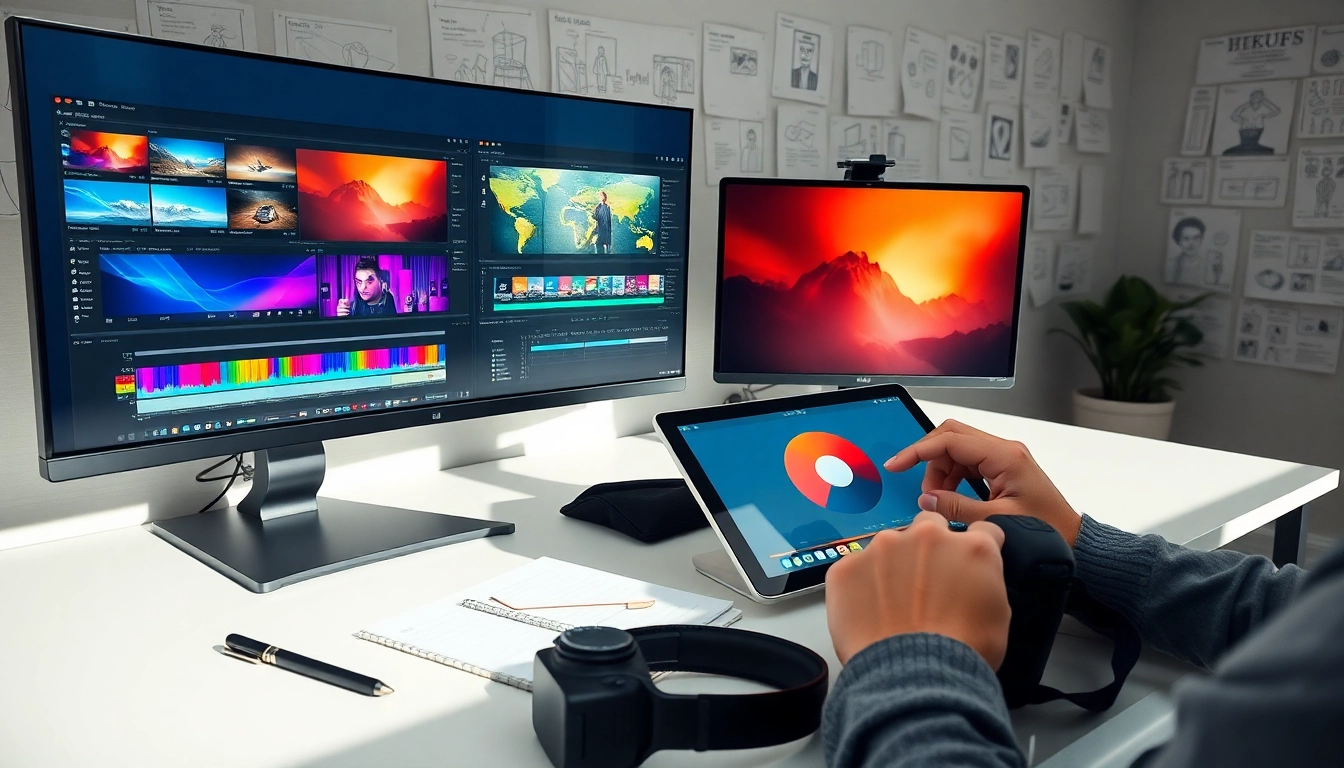
Master the essentials with these expert-led video graphics editing tips designed to help you produce stunning, professional content efficiently.
In today’s crowded digital landscape, video content is your best bet to capture attention—but it’s not enough to press record. Video graphics are the visual threads that weave your story together, guide viewers, and build your brand identity. Whether you’re presenting a product demo or a webinar, adding motion titles, animated call-outs, or branded lower-thirds can boost engagement dramatically.
Short attention spans are the enemy of marketing. Studies show that over 60% of viewers will stop watching a video within the first 10 seconds if it doesn’t grab them. Enter graphics: Used strategically, they provide structure and flair, keeping your audience intrigued and guiding them to take action.
When you treat video graphics as purposeful elements—not just decoration—you elevate your content. For businesses and solopreneurs looking to stand out in the feed, these thoughtful touches are not optional—they’re essential. Mastering video graphics editing tips will help keep your audience hooked from the first frame to the final CTA.
The hardest part of getting started with video graphics isn’t adding the effects—it’s choosing a tool that fits your skills and needs. As a solopreneur or SMB, you need tools that balance power with simplicity.
Canva is known for its intuitive drag-and-drop interface. Its new video editing features come with a rich library of motion graphics, animated text, and brand kits. Great for marketers and freelancers who want fast results with zero learning curve.
Packed with features, Premiere Pro is ideal if you’re ready for a deeper dive. By using pre-made motion graphic templates, you can add professional logos, end screens, and captions in a few clicks—even without animation experience.
Kapwing is a browser-based editor built for fast, collaborative video editing. It’s perfect for teams and creators on the move. It includes animated text, stickers, transitions, and direct publishing options.
VEED is ideal for social media videos. It comes equipped with auto-subtitles, waveform audiograms, and branded video templates that speed up content turnaround time.
Need videos with a slideshow feel? Animoto specializes in transforming static content into dynamic videos. Its template system makes dragging in brand colors and graphics easy—even for digital newcomers.
Pick a tool that fits your pace and purpose. With these software solutions, applying impactful video graphics editing tips becomes far easier—and way more fun.
You don’t need to be a designer to make your content pop. With the right video graphics editing tips, any beginner can apply expert techniques that look polished and intentional. The key is knowing what works for your audience and platform.
Lower-thirds display names, titles, or key info. Keep them consistent in placement and style. Avoid overloading text—short, punchy expressions keep things tidy.
Less is more. Too many graphics can clutter your message. Stick to 2–3 main styles or elements per video.
Use animation to enhance timing, not distract. For example, animate a title card just long enough to capture attention, then transition smoothly into content.
Different colors help viewers differentiate types of content: red for urgent items, blue for context, green for actions. But stay within your brand palette.
What feels fast to you might be unreadable to viewers. Slow down transitions slightly and test with someone unfamiliar with the content.
Every pro was once an amateur. The best video graphics editing tips for beginners start with intentionality. As long as your graphics support your message—not drown it—you’re on the right track.
If you’re a solopreneur or part of a bootstrapped team, spending hours editing each video drains resources fast. That’s where SaaS tools shine. Designed to reduce manual steps and encourage repeatable processes, they’re your best ally for consistent content quality and speed.
Tools like Canva, Adobe Express, and Lumen5 offer pre-built templates designed for video graphics. Instead of redesigning every title or frame, simply pop in your content and hit export.
Platforms like Frame.io or Adobe Creative Cloud allow real-time editing and commenting among team members. No more back-and-forth email threads—just smooth feedback loops.
Great SaaS platforms also help track performance. Use tools that let you A/B test variations of video graphics to refine what works best for your audience.
Whether you batch-edit all your videos on Monday or break tasks into phases, use SaaS tools to create a reliable pipeline. Standardized graphics, saved presets, and collaborative platforms transform stressful video work into a streamlined, scalable process. Mastering both automation and creativity through smart video graphics editing tips will dramatically increase your content output—and impact.
Great content can fall flat if the graphics are confusing, excessive, or inconsistent. Many promising brands stall their growth by unintentionally making basic editing mistakes. Let’s unpack some of the most common blunders—so you can sidestep them with confidence.
Changing fonts, colors, or animation styles in every video makes your brand look scattered. Use graphic templates and brand guides to maintain a uniform identity.
Yes, motion grabs attention—but too much can feel dizzying. Avoid auto-flying objects, zoom-ins every 3 seconds, or clashing transitions.
Many solopreneurs forget to consider mobile formatting. Thin text, tiny icons, or graphics placed too far off-screen edges will be lost on smaller devices.
Text-based graphics should contrast effectively with the background. Light gray over white footage? It’s invisible. Stick to high-contrast elements for readability.
When everything is bold and flashing, nothing stands out. Use size, color, or timing to emphasize your main point—and tone down the rest.
Improperly synced graphics feel distracting. Whether it’s subtitles that lag behind speech or logos that appear too late, poor timing reduces perceived professionalism.
Once you know what to watch out for, these video graphics editing tips can prevent hours of rework and protect your visual credibility. Crafting clean, consistent visuals is a mark of professional intent—don’t let preventable errors dull your message.
Video graphics are no longer a luxury—they’re a necessity in visual storytelling. Whether you’re an independent creator or running a growing venture, the right video graphics editing tips can dramatically improve how your content looks, feels, and performs. From selecting the best tools and avoiding common errors to speeding up your workflow with SaaS solutions, every step you take in refining your video graphics directly impacts audience retention and brand trust.
The gap between professional and forgettable video content continues to shrink—and mastering video graphics is how you stay on the right side of that line. So start simple, improve consistently, and let every frame of your content do more work for your brand. The next time someone stops scrolling to watch your video, you’ll know exactly why.
